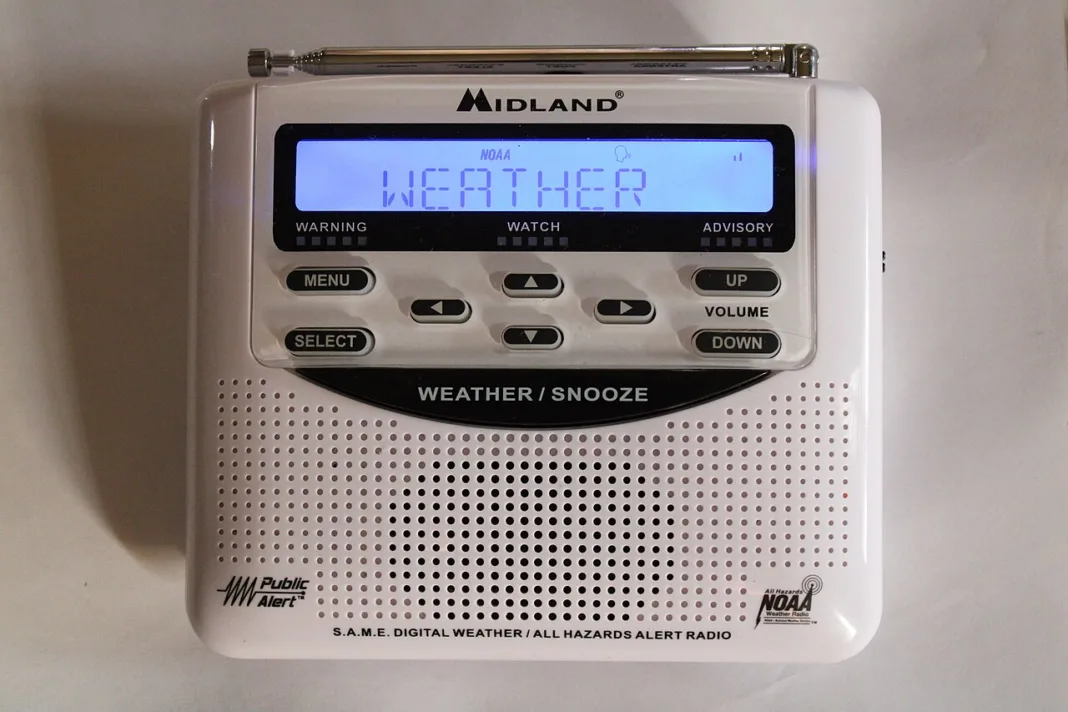


A phone and a weather radio can receive the same urgent warning through different channels. The National Weather Service sends eligible warnings to mobile phones through participating wireless carriers and broadcasts warnings separately on NOAA Weather Radio. Setting up both gives you another way to hear a warning if one channel is unavailable.
Check your phone’s emergency alert settings
Search your phone’s settings for emergency alerts and check which alerts are enabled. The Weather Service sends eligible warnings through a federal alert system to carriers, which broadcast them from towers in the threatened area. A phone outside that area may receive a different set of alerts, even if its owner lives in the affected county.
Set up a radio for your area
Look for a NOAA Weather Radio receiver with a warning alarm, battery backup and Specific Area Message Encoding, commonly called SAME. The Weather Service’s receiver guide explains these features. SAME lets you set the radio to sound for the areas you choose. Use the Weather Service’s state and county directory to find the code and station for your location.
Once you’ve programmed the radio, check that you can hear the local broadcast where you plan to keep it. Install fresh backup batteries if the receiver supports them. If you move the radio to a different area, check the station and county code again.
Reviewed November 13, 2026.